Case studies · Project planning in the project tree
IMPACT4WORKFLOW Solo
Files here, boards there – two separate worlds are a product flaw, not a law of nature.
What it is
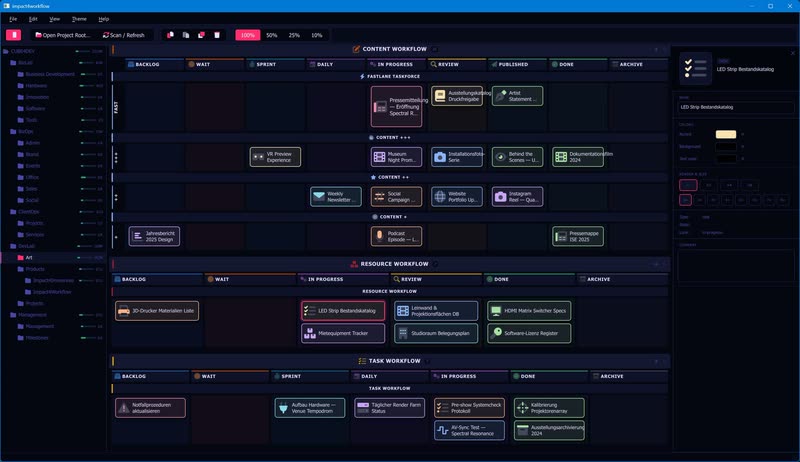
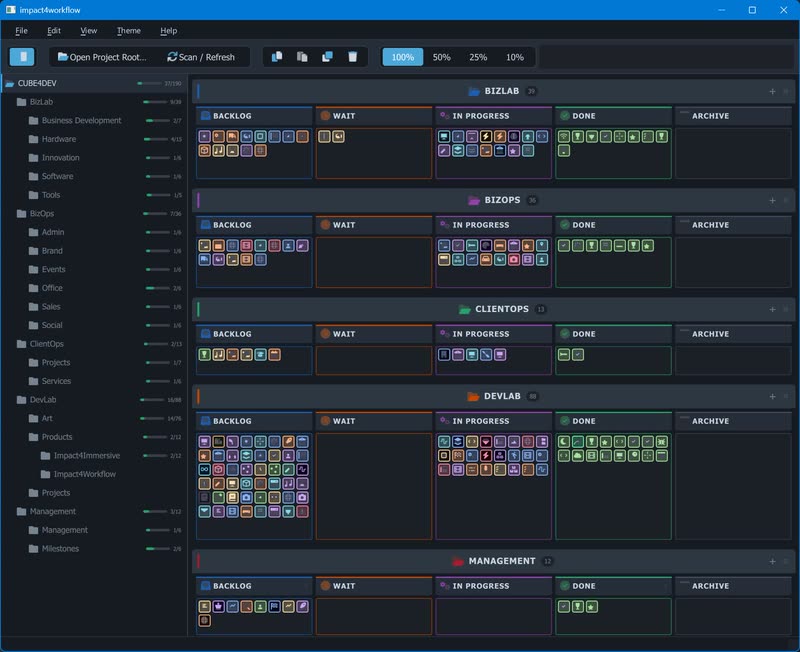
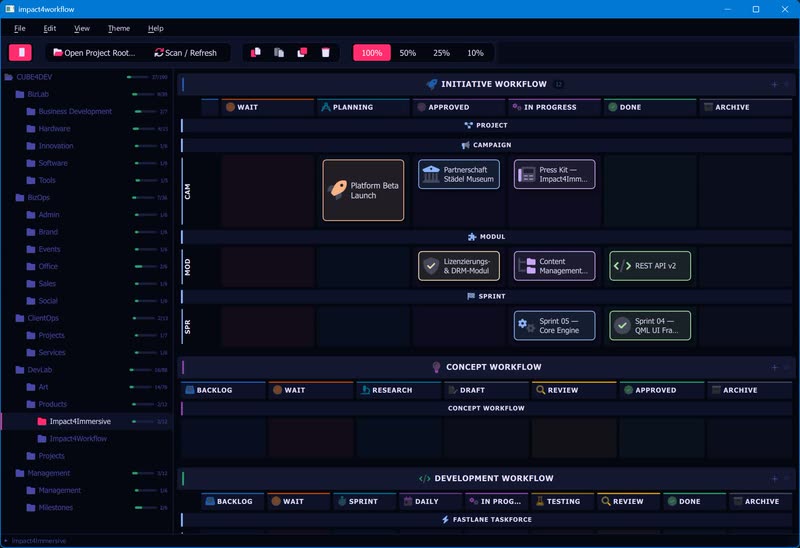
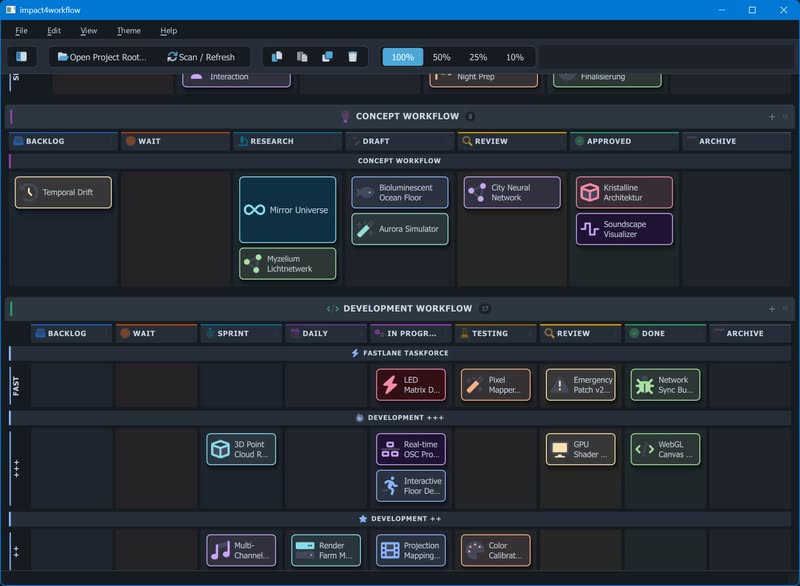
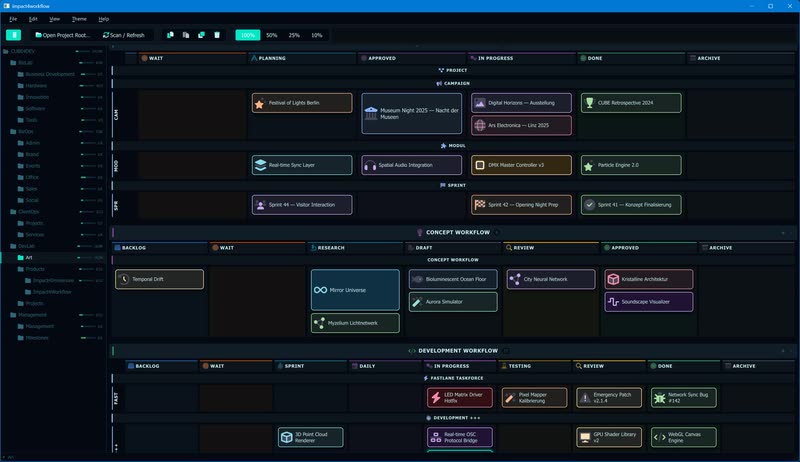
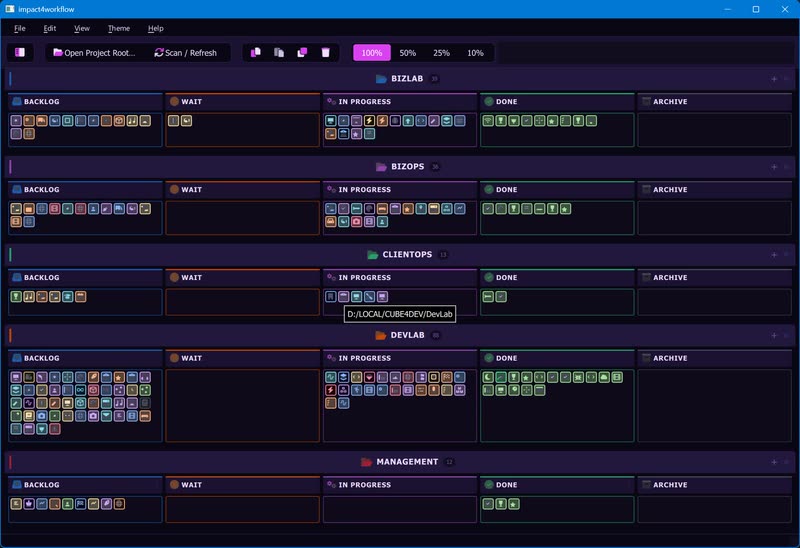
IMPACT4WORKFLOW Solo turns the project tree itself into a workspace: folders provide the context, cards describe the work, process definitions the states. From this come explorer, Kanban and portfolio – without maintaining a second planning world.
The spark
Anyone who develops, designs and produces at the same time knows the break: the work lives in the file system, the status in a project management tool, and the two drift apart.
The idea comes from the work of a solo creative with many projects at once: the real project tree is the plan.
What was built with AI
Built with AI:
- space, process, units: folder hierarchy, work states and cards
- an explorer view with aggregated progress
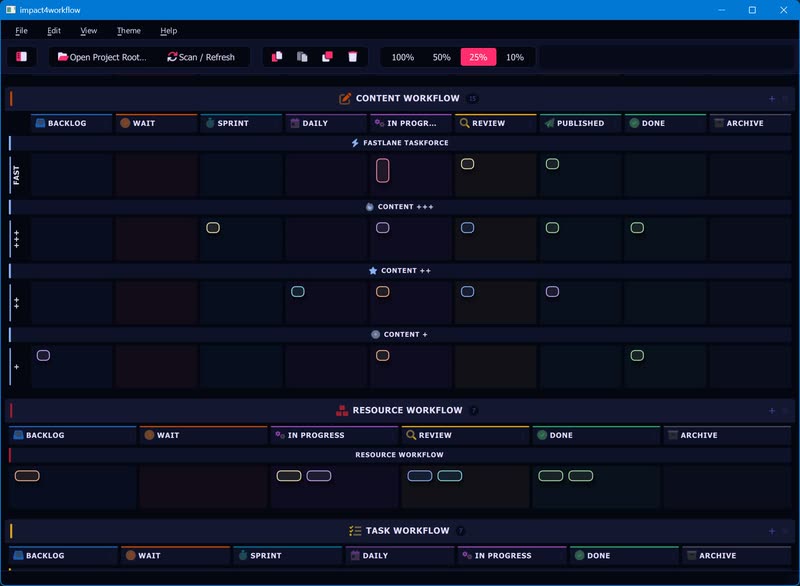
- a Kanban board for the process flow
- a portfolio board for entire projects and areas
- local, on your own computer, on the real project tree
What only experience decides
The decision: not yet another task tool, but doing without a second world. What is in the folder is the plan.
“Portfolio Kanban creates transparency without fragmenting thought processes” – a sentence from his own way of working that has become a product here.
Theses on film
-
Case study · IMPACT4WORKFLOW Solo →
Files here, boards there. -
Development time instead of feature scope →
A fixed price for a new product is a bet. -
Selection over quantity →
The longest feature list is the worst start for a new product. -
Learn early instead of committing early →
A project that is stopped after one week can be the most successful of the year.
What a company gains
Development teams, agencies, engineering offices, media production: wherever work is created in files and the status is maintained in tickets, the same pattern saves the double maintenance – and shows the real state.